

Govern Your AI Workforce with Total Visibility
Teams are adopting AI systems faster than security can adapt. Teramind delivers complete AI agent monitoring, distinguishing between human work and artificial intelligence. Prevent data leakage, block Shadow AI, and ensure regulatory compliance without slowing down innovation.
Trusted by 10,000+ organizations for workforce intelligence




The Pillars of AI Governance
AI agents read files, execute code, and browse the web. Capture a forensic record of input data (prompts) and output data (responses) to ensure you have an audit trail for machine learning decisions.
Shadow AI tools like OpenClaw can be hidden from standard monitoring tools. Detect AI systems via unusual patterns—like superhuman command velocity or unauthorized network ports—regardless of process names.
Stop data leakage into public AI models. Monitor clipboard activity to ensure sensitive corporate documents aren’t pasted into unauthorized AI platforms. Enforce DLP policies that block agents from accessing restricted data.
Speed shouldn’t cost control. Distinguish between a human typing and an agent executing complex debug cycles or API calls in milliseconds. Attribute actions correctly to maintain accurate productivity and security logs.
The “Black Box” Recorder for AI
If an AI agent acts on a human’s machine, you need to see it. Teramind captures the “thinking” process of AI workloads, recording both input data and autonomous output via Optical Character Recognition (OCR).
Capture the "visual thinking" of AI applications. While the model processes in a side panel, Teramind’s OCR and Screen Recording log the suggestions and user actions.
Track data movement from the AI agent to the work environment. See exactly when a user accepts an AI draft or copies and pastes code into production.
Even when an agent drives the browser to fill forms, Teramind logs every URL change and click as if a human did it.
Stop Shadow AI & Unauthorized Agents
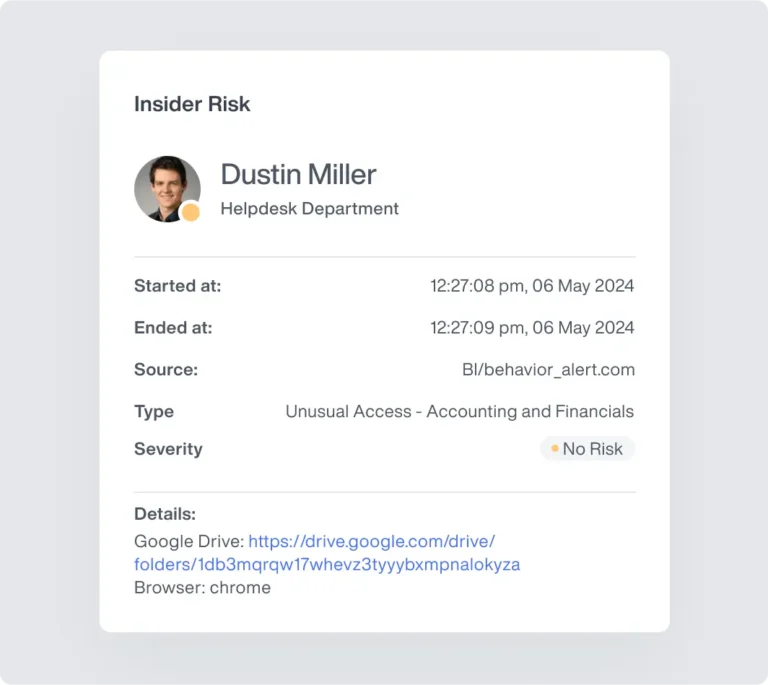
Employees may deploy “stealth” agents like OpenClaw that bypass standard monitoring solutions. Teramind identifies these AI systems by their behavioral and network footprint, ensuring you remain the administrator.
Detect agents by impossible speed. Flag "Extreme Command Line Activity" when a process executes hundreds of commands in seconds—identifying hidden AI systems even if renamed.
Block unauthorized agents via network handshake. Teramind detects unique port usage (e.g., 18789) and protocol signatures to stop unapproved AI platforms.
For high-risk features like Copilot's Edge integration, Teramind automatically prevents execution if the agent attempts to bypass network security protocols.
Command Line & Code Governance
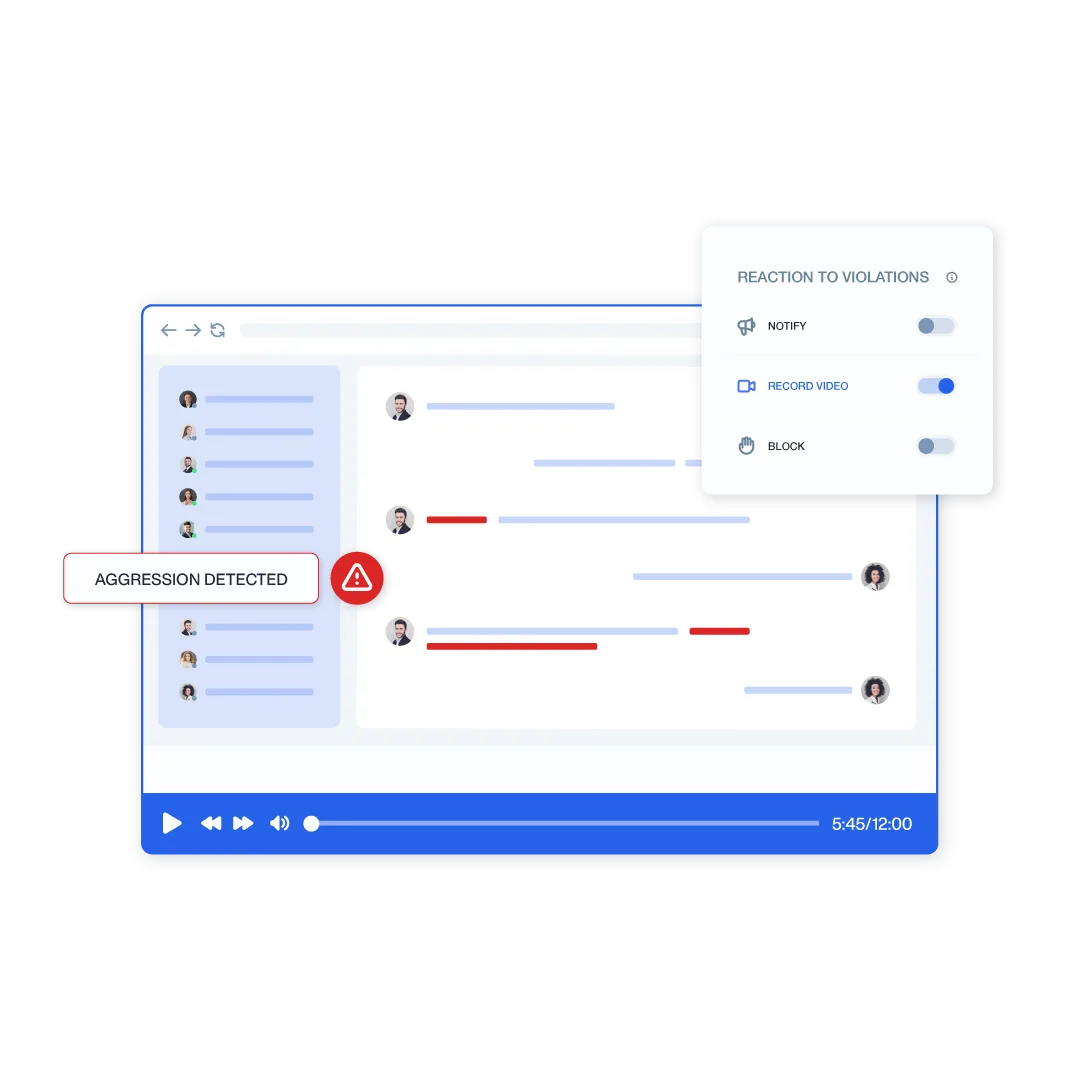
Terminal-based agents like Claude.code refactor codebases without human keystrokes. Teramind’s Console Command Monitoring provides a transcript of these commands, helping engineering teams catch issues early and maintain model behavior.
Capture every command executed by the AI agent, from git commit to npm install. See exactly what the agent modified in the project directory.
Track the creation of temporary configuration files or "memory" databases used by ai models. Identify which files were touched, modified, or deleted during an autonomous session.
Create rules based on window titles. If a terminal window changes to "Claude Code," automatically record the screen to capture the high-speed autonomous session in detail.
Data Leakage & DLP for AI
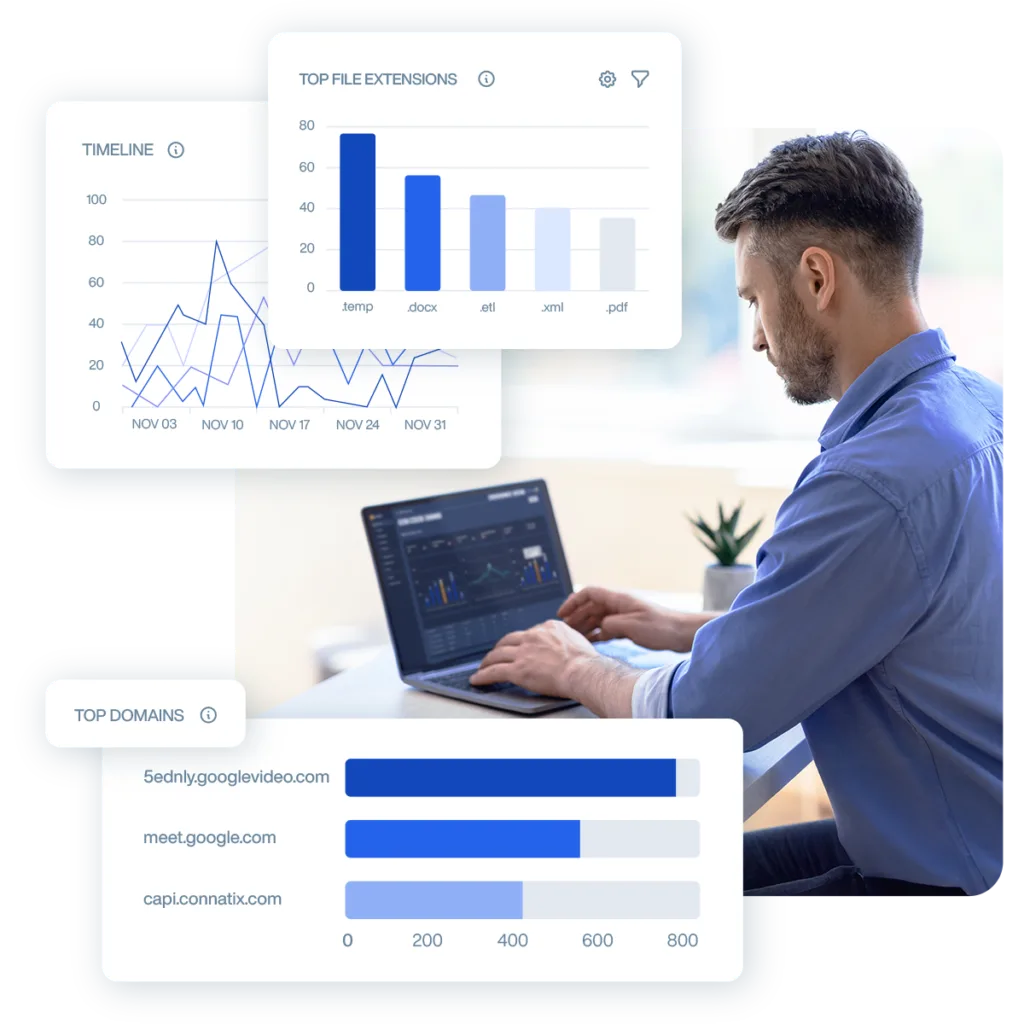
AI agents are subject to the same security rules as humans. Teramind ensures that autonomous tools cannot outsmart your existing protections, applying URL filtering and content rules to data ingestion and output data.
Your blocking rules still apply. If an organization blocks a sensitive repository or checkout page, the AI agent is physically prevented from navigating there.
Monitor data flow between the ai stack and the OS. Detect if an agent attempts to "read" a sensitive file or if a user attempts to paste confidential IP into a public large language model.
Prevent agents from creating unauthorized tunnels. Teramind's certificate inspection perceives automated requests that lack proper handshakes as security risks, blocking them instantly.
Seamless Integration into Your Command Center
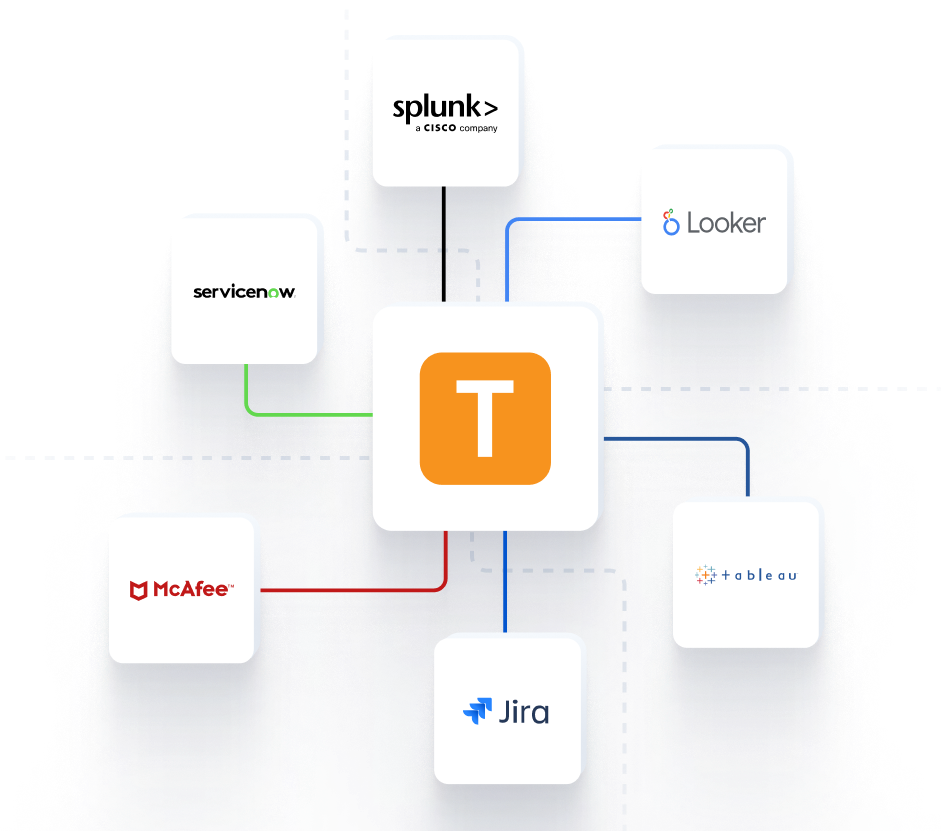
Feed critical behavioral telemetry directly into your existing security infrastructure for a unified operational picture.


Teramind Success Stories
Arrivia Stopped an Insider Data Theft Ring with Teramind
Learn how a leading travel company used Teramind to improve productivity and ensure compliance with federal regulations while building legally defensible evidence for any violations.
FAQs
1. Does Teramind replace my existing ML Ops tools?
No, we are a valuable partner to your AI stack. While other tools track model accuracy, model drift, and latency bottlenecks, Teramind provides real time visibility into the human and endpoint side of the equation. We provide the holistic view that completes your ai observability strategy.
Yes. We detect agents like OpenClaw based on their usage patterns (velocity of commands) and network signatures (specific ports and protocols). Renaming the process to “calculator.exe” will not bypass our anomaly detection.
4. How do you handle high-speed terminal commands?
Agents like Claude.code execute commands faster than a human can type. Teramind logs these “back-end” executions directly from the PowerShell or CMD process, providing a readable log of every file touch and command run.
5. Is this just for security, or does it help with compliance?
It is essential to ensure compliance. If an AI agent makes a decision (like buying tickets or modifying code), you need an audit trail to prove who authorized it and what happened. Teramind acts as that immutable record, helping you stay ahead of potential issues.
6. Does this work with any AI platform?
Yes. Because we sit on the endpoint, we offer one platform that works across Microsoft Copilot, Google Gemini, OpenAI, and custom machine learning models. Our built in integrations allow you to confidently build and deploy ai applications at scale.
7. How do you reduce alert noise?
We use context. Instead of flagging every API call, we focus on unusual patterns and risky behaviors. You can customize dashboards to focus on specific use cases (like “Claude code” activity), ensuring your security teams only see what matters.