

Data loss prevention
DLP policy templates: why content rules alone aren't enough
Pre-built DLP rules catch regulated data in motion, but they cannot tell a routine export from a departing employee's last download. This guide covers the compliance templates every DLP platform needs, and where insider risk changes the response.
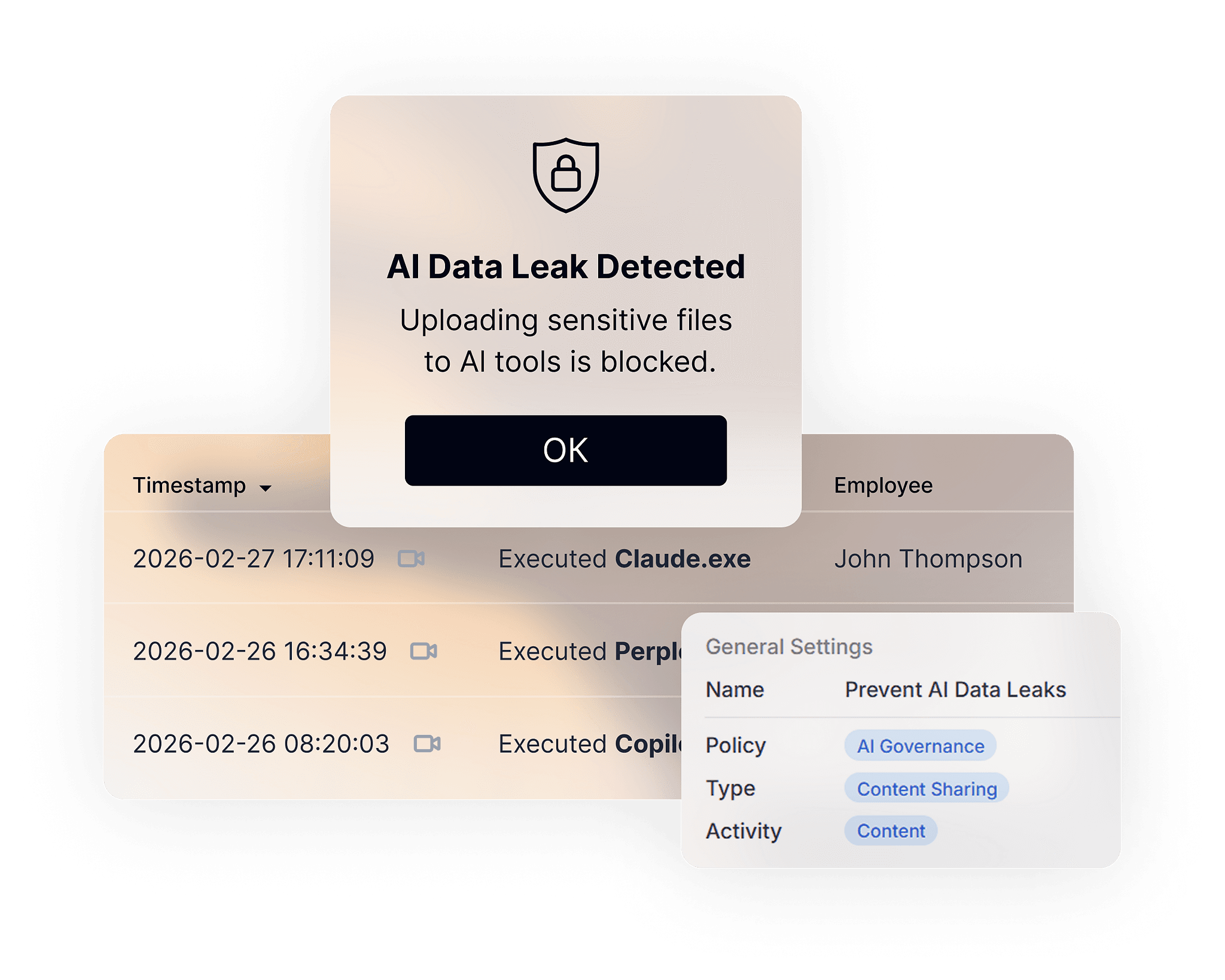
Data loss prevention (DLP) policy templates are pre-built rule sets that scan for regulated or sensitive data (credit card numbers, health records, or national ID numbers, for example) and take an action, such as alerting or blocking, when that data leaves an organization. Most DLP templates stop there: they look at what's in the content. They have no idea who's sending it, why, or whether that person's behavior has looked anything like this before.
That gap is where real insider risk lives. A departing employee zipping up a client list looks identical, to a content-only scanner, to a routine weekly export. Both contain the same PII, at the same volume, going to the same kind of destination. The difference is behavioral: timing against a resignation, a spike against that person's own baseline, a first-time destination. Content inspection alone can't see it.
This guide covers both layers: the compliance-driven content templates every DLP platform needs (HIPAA, GDPR, PCI DSS, and regional privacy law templates), and the behavioral and insider-risk templates that turn a compliance tool into an actual insider threat program.
What's actually inside a DLP policy template
Every template, regardless of vendor, is built from three parts:
- Trigger conditions: what the policy is looking for. This can be content-based (keyword lists, regex patterns, data fingerprinting, OCR on images and screenshots of sensitive documents) or context-based (destination, file type, time of day, device, user role).
- Thresholds: how much of that content, or how unusual the behavior, before the policy fires. One SSN might just log quietly, but fifty in one file triggers a block.
- Actions: what happens when the threshold is met: notify, warn the user with a policy tip, require a business justification, quarantine the file, block the transfer outright, flag for session recording review, or escalate to an analyst with a risk-score bump.
The templates below follow that same structure, with one addition most compliance-only tools skip: a behavioral layer. The same trigger, correlated against a user's or peer group's normal activity pattern, changes the severity of the response.
Content-based templates by regulation
These map to the sensitive data most compliance programs are built around. Each ships as a starting point. Teams narrow the geography, thresholds, and destinations to match their own risk tolerance.
Financial data (PCI DSS, GLBA, SOX-adjacent)
| Rule | Detects | Default action |
|---|---|---|
| PCI DSS, cardholder data in motion | Credit/debit card numbers (regex + Luhn check), min. 1 instance | Alert + log |
| PCI DSS, bulk cardholder data | Credit/debit card numbers, 10+ instances in one transfer | Block + require justification + incident alert |
| U.S. financial PII | SSN, ITIN, bank account/routing numbers | Alert on low volume; block + escalate on high volume |
| Financial document classifier | Trainable classifier: invoices, tax forms, budget files | Warn user, log for audit |
Healthcare (HIPAA)
| Rule | Detects | Default action |
|---|---|---|
| PHI in outbound communication | SSN + physical address + full name AND ICD-9/ICD-10 codes or medical terminology | Alert + require justification |
| PHI in screenshots/attachments | OCR match on medical forms, insurance files, lab results | Alert + flag for recording review |
| Bulk patient record export | Same PHI combination, high volume, exported by non-clinical role | Block + escalate + risk-score increase |
EU / GDPR and regional privacy law
| Rule | Detects | Default action |
|---|---|---|
| EU personal data (enhanced) | National ID numbers, tax IDs, and physical addresses across EU member states, correlated with HR/legal/tax content classifiers | Low volume: log. High volume: restrict external sharing + notify + require justification |
| Cross-border transfer flag | EU personal data sent to a destination outside approved regions | Alert + require justification |
| Regional variants | UK (NINO, NHS number), Israel (National ID, bank account), Canada (SIN, PHIN), Australia (TFN), Japan (My Number) | Same tiered low/high-volume pattern as above, scoped per region |
Source code and intellectual property
(Not typically covered by compliance-only templates. This is where a platform built for insider risk earns its keep.)
| Rule | Detects | Default action |
|---|---|---|
| Proprietary source code exfiltration | File extensions/repos matching internal codebase patterns, sent to personal cloud storage, personal email, or removable media | Block + alert security team + flag session for recording review |
| Design/engineering document leakage | Fingerprinted CAD, schematic, or spec files leaving approved repositories | Block + escalate |
Generative AI and shared data governance
(Increasingly a compliance requirement in its own right, and it pairs naturally with an AI governance program.)
| Rule | Detects | Default action |
|---|---|---|
| Sensitive data pasted into public GenAI tools | PII/PHI/source code patterns entered into unsanctioned AI chat interfaces | Warn user in real time + log + alert if repeated |
| Unsanctioned AI tool usage | Access to AI tools outside an approved allowlist, correlated with file upload activity | Alert + risk-score increase |
Where insider risk changes the response
The templates above answer "does this content match a pattern regulators care about." The templates below answer "does the person sending it look like a risk," and they're the piece a content-only DLP tool structurally can't offer, because they need behavioral baselining, not just content matching.
| Signal | What it looks for | Why content-only DLP misses it |
|---|---|---|
| Resignation-window data movement | File download/export volume spikes in the 2–4 weeks around a resignation or termination date | No content anomaly at all. The files themselves may be routine |
| Peer-group deviation | A user's activity (volume, destinations, hours) diverges from their role's baseline, even with no single policy violation | Each individual action can be policy-compliant |
| Privileged account scope deviation | Admin/IT/finance accounts accessing systems or data outside their normal scope | Privileged accounts often have legitimate broad access. The anomaly is in the pattern, not the access itself |
| First-time destination + sensitive content | Sensitive data sent to a destination (domain, device, cloud app) never used before by that user | Requires a behavioral history to know it's first-time |
| Off-hours bulk access | Large data pulls outside normal working hours or from unusual locations | Timing signal, not a content signal |
In practice, these run as risk-score modifiers layered on top of the content rules above: the same PCI DSS trigger that logs quietly for a routine user gets escalated automatically when it coincides with one of these behavioral signals.
How to customize a template instead of using it as-is
- Start from the closest-matching regulation or use case, not from scratch. It's faster to narrow a template than to build detection logic from zero.
- Set thresholds to your actual risk tolerance. A one-instance trigger is useful for high-sensitivity data (SSNs, source code); a volume threshold makes more sense for data that's routinely shared internally.
- Scope destinations, not just content. The same file is a different risk going to a corporate-approved vendor versus a personal email account.
- Layer in a behavioral condition where it's available (resignation status, peer-group deviation, off-hours access) rather than relying on content volume alone to set severity.
- Review action escalation, not just detection. Decide upfront which combinations warrant a quiet log, a user-facing policy tip, a block, or a real-time analyst alert.
- Re-tune after the first 30–60 days. Every DLP deployment generates false positives before thresholds settle. Plan for a tuning pass rather than treating day-one config as final.